
Lost your license key? You can recover it via email without logging in.
This feature is available on any page where the store owner has placed the Loading license recovery form... shortcode.
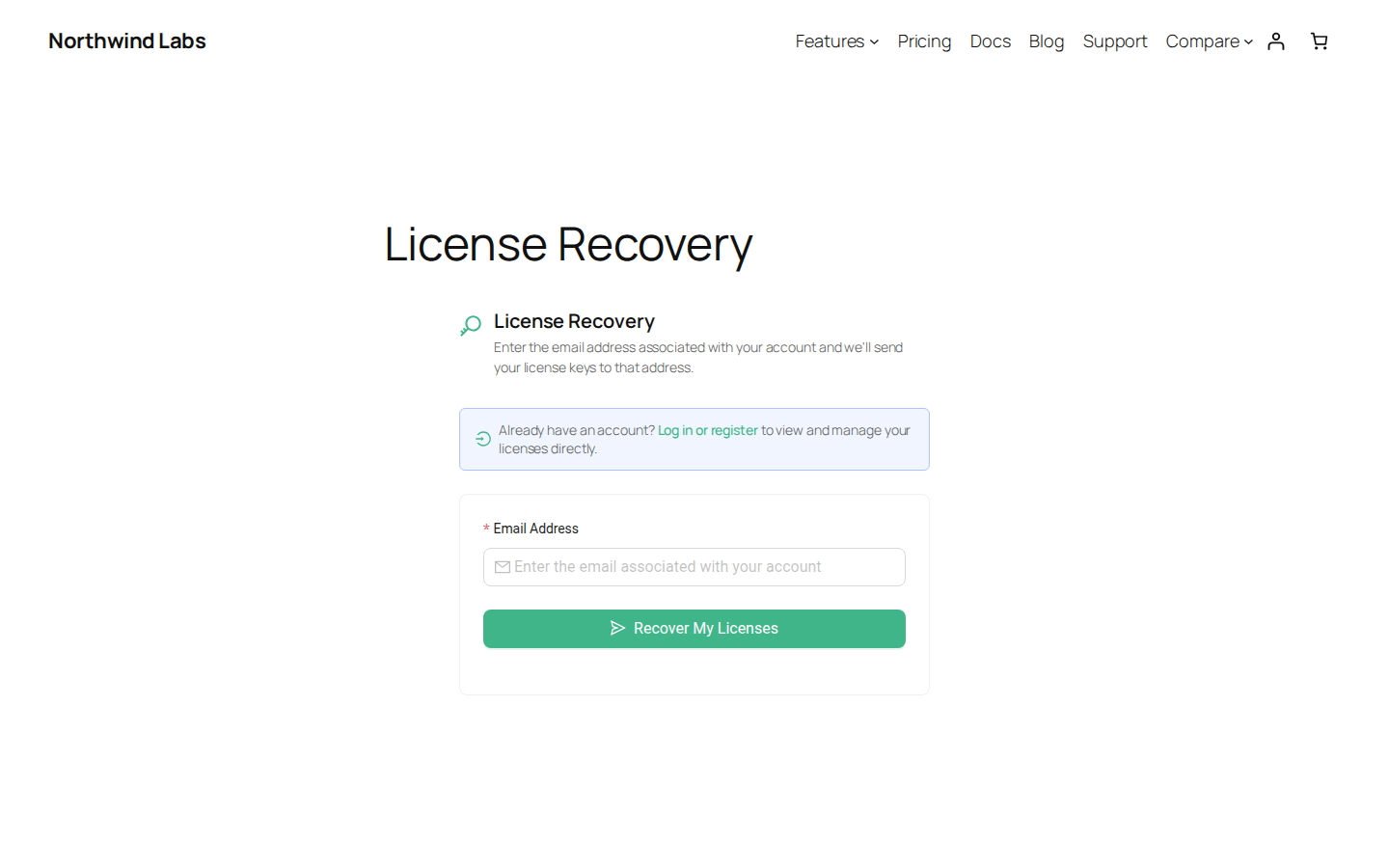
How It Works
- Visit the license recovery page.
- Enter the email address associated with your account.
- Click Recover My Licenses.
- Check your inbox (and spam folder). If licenses exist for that email address, they will be sent to you.
The page always shows a success message regardless of whether the email exists. This is intentional to prevent others from discovering which emails have accounts.
What You'll Receive
The recovery email contains a list of all license keys associated with your email address (up to 100). For each license, the email includes:
- Product name — The software product the license belongs to.
- License key — The full license key you need to activate the software.
- Status — Whether the license is active, expired, or in another state.
- Expiry date — When the license expires (if applicable).
Tip: If your license shows as expired in the recovery email, you can renew it from My Account > License Keys after logging in.
After Recovery
Once you receive the email, you can:
- Use the license keys to activate your software.
- Click Try Another Email to recover licenses for a different address.
- Log in to your account to manage your licenses directly (a link is provided on the recovery page).
Rate Limits
To prevent abuse, recovery requests are rate-limited per IP address. If you see a "too many requests" message, wait a while before trying again.
For Logged-In Users
If you already have an account, you do not need to use the recovery form. Simply log in and go to My Account > License Keys to view all your licenses directly.
Related Pages
- License Keys — View and manage all your licenses after logging in
- FAQ — Answers to common questions about licenses and recovery