
Navigation: WP Admin > License Server > Settings > Advanced
The Advanced tab configures the Downloads API and Composer Repository features.
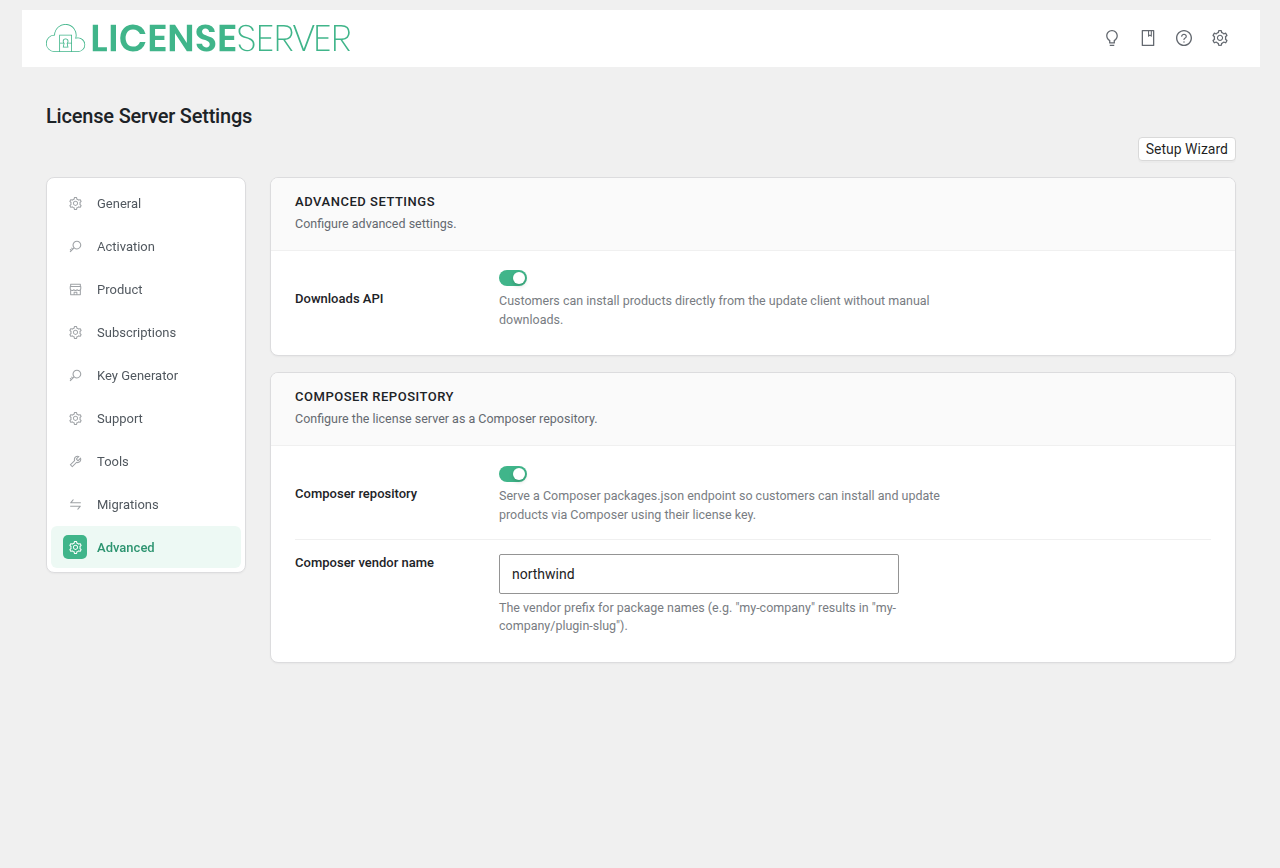
Advanced Settings
| Field | Type | Default | Description |
|---|---|---|---|
| Downloads API | Checkbox | no | Customers can install products directly from the update client without manual downloads. When enabled, the update client can pull ZIP files directly via the API. |
Composer Repository
Configure the license server as a Composer repository so customers can install and update products via Composer using their license key. The Composer repository is off by default. It can also be turned on in the advanced setup wizard.
| Field | Type | Default | Description |
|---|---|---|---|
| Composer repository | Checkbox | no | Serve a Composer packages.json endpoint so customers can install and update products via Composer using their license key. |
| Composer vendor name | Text | (empty) | The vendor prefix for package names (e.g. "my-company" results in "my-company/plugin-slug"). When empty, a slug of the site's host name is used. |
How Composer Integration Works
When enabled, the plugin exposes a packages.json endpoint that Composer can consume. Customers add your server as a repository in their composer.json:
{
    "repositories": [
        {
            "type": "composer",
            "url": "https://your-store.com/slswc-composer/"
        }
    ]
}
Authentication is handled via the customer's license key, passed as the Composer HTTP Basic Auth username.